
How-to guides
Run or recover a workflow
Use a built-in recipe or trusted Bun module and inspect its durable run.
Use a workflow when the same explicit media operations should be planned, reviewed, and resumed together. Built-in recipes and local Code Mode runs use the complete host's closed operation registry and durable scheduler: the scheduler binds exact inputs, plans, and observed runtime identities, then retains progress and receipts you can inspect and resume later. The SDK reference distinguishes the complete local host from the smaller portable projection.
One diagram through three interfaces
Use the same editable source to compare the portable imperative SDK, declarative graph SDK, and root-scoped MCP server. From a fresh source checkout with its locked dependencies installed, run the comparison helper:
bun install --frozen-lockfile --ignore-scripts
bun examples/showcase/workflows/render-diagram.ts
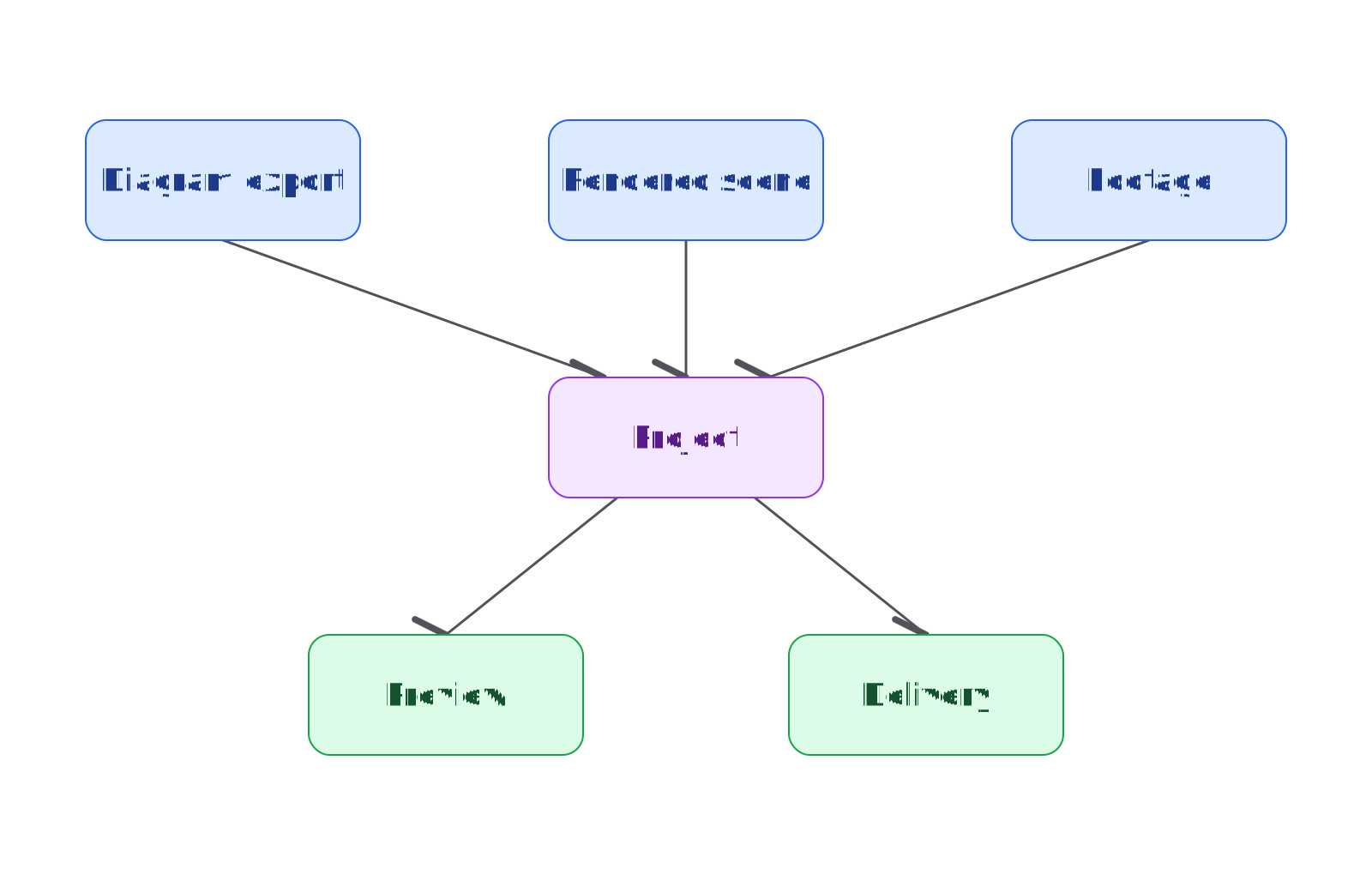
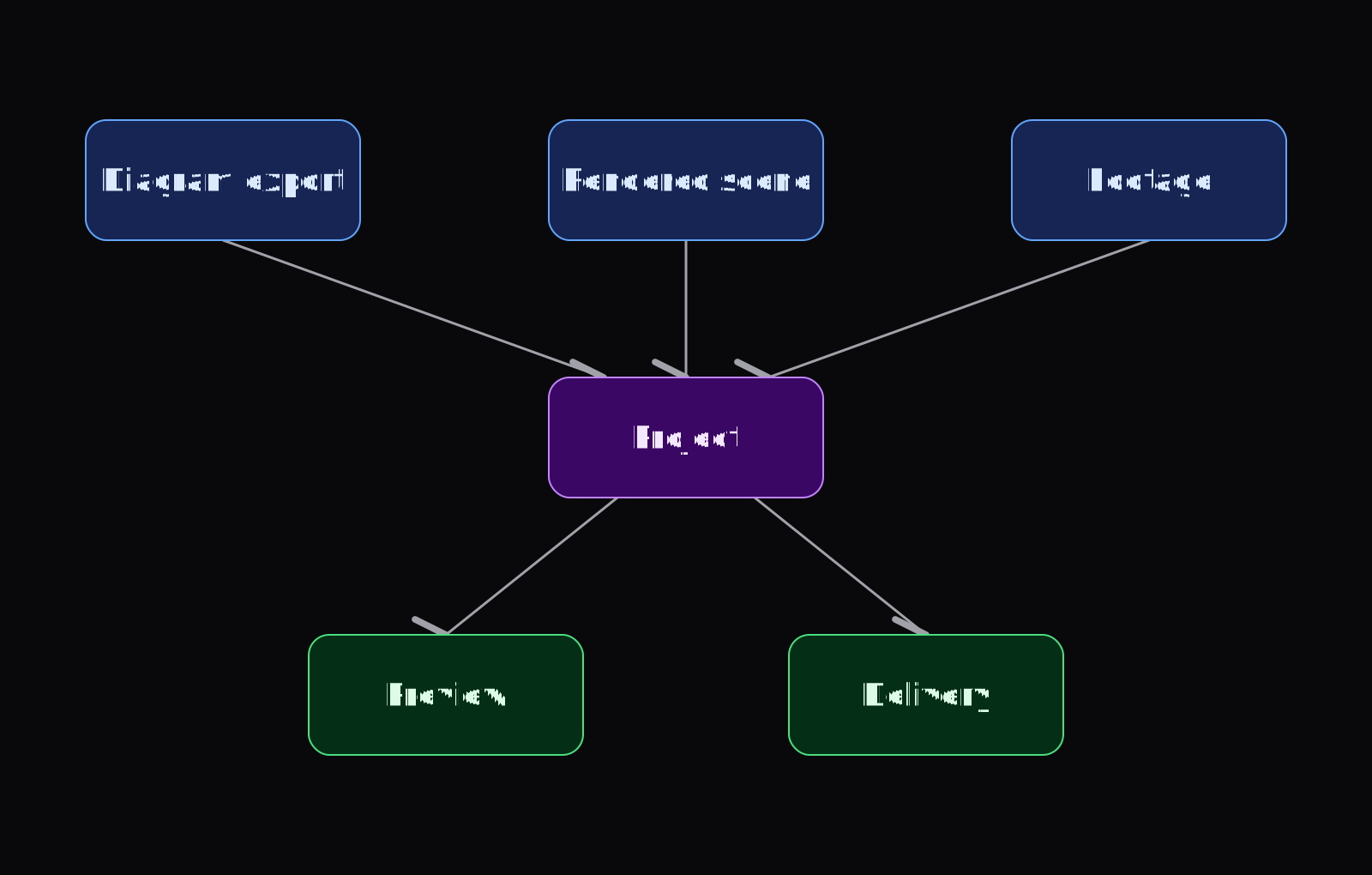
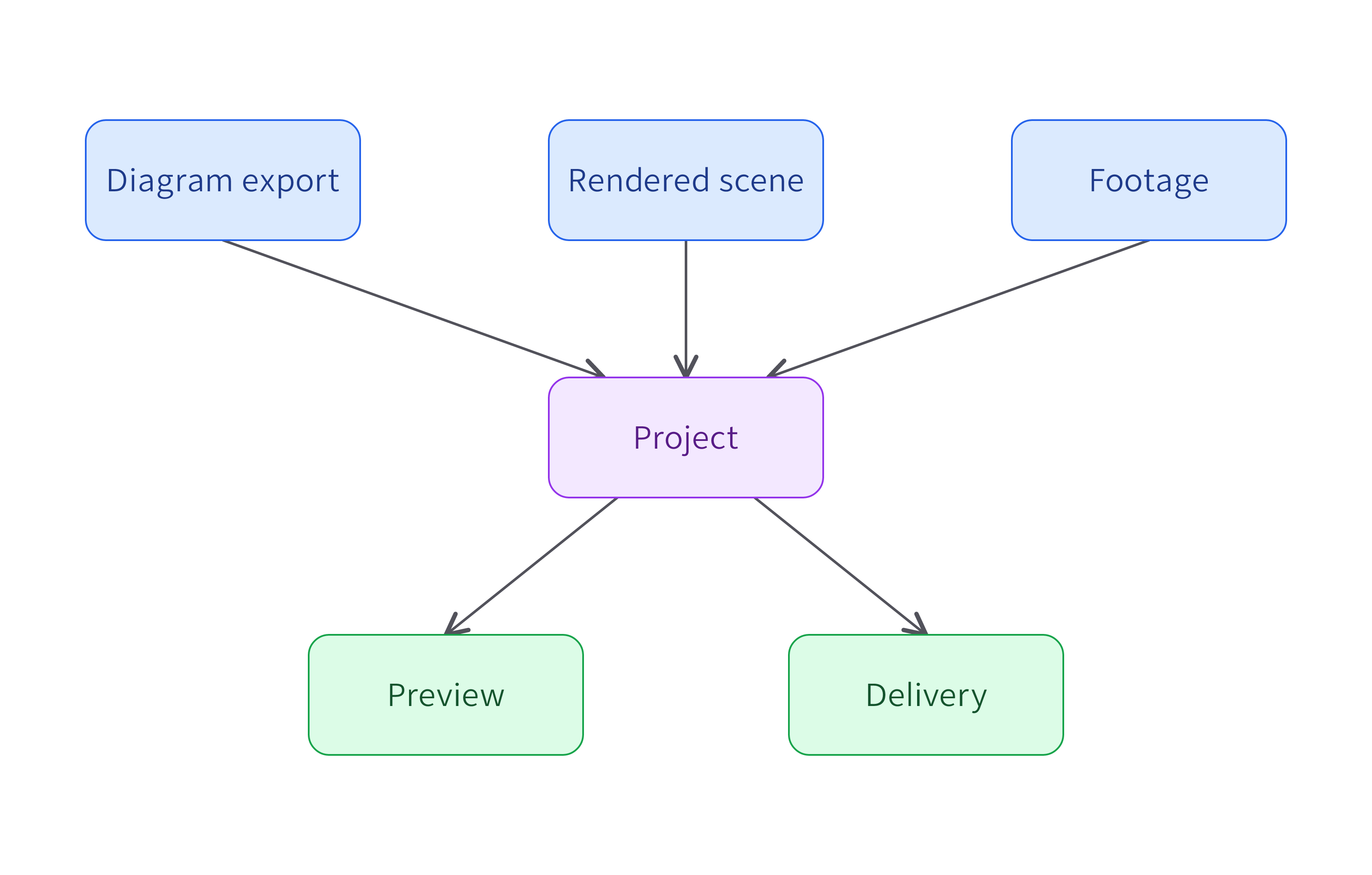
This performs local diagram rendering without a model account. The helper writes separate output directories for each interface and checks the light PNGs for byte equality. In the retained run, all five formats matched across all three interfaces: the editable .tldr, light and dark SVGs, and light and dark PNGs. That comparison used the same source, renderer, fonts, and toolchain; it does not promise identical bytes across versions or machines.
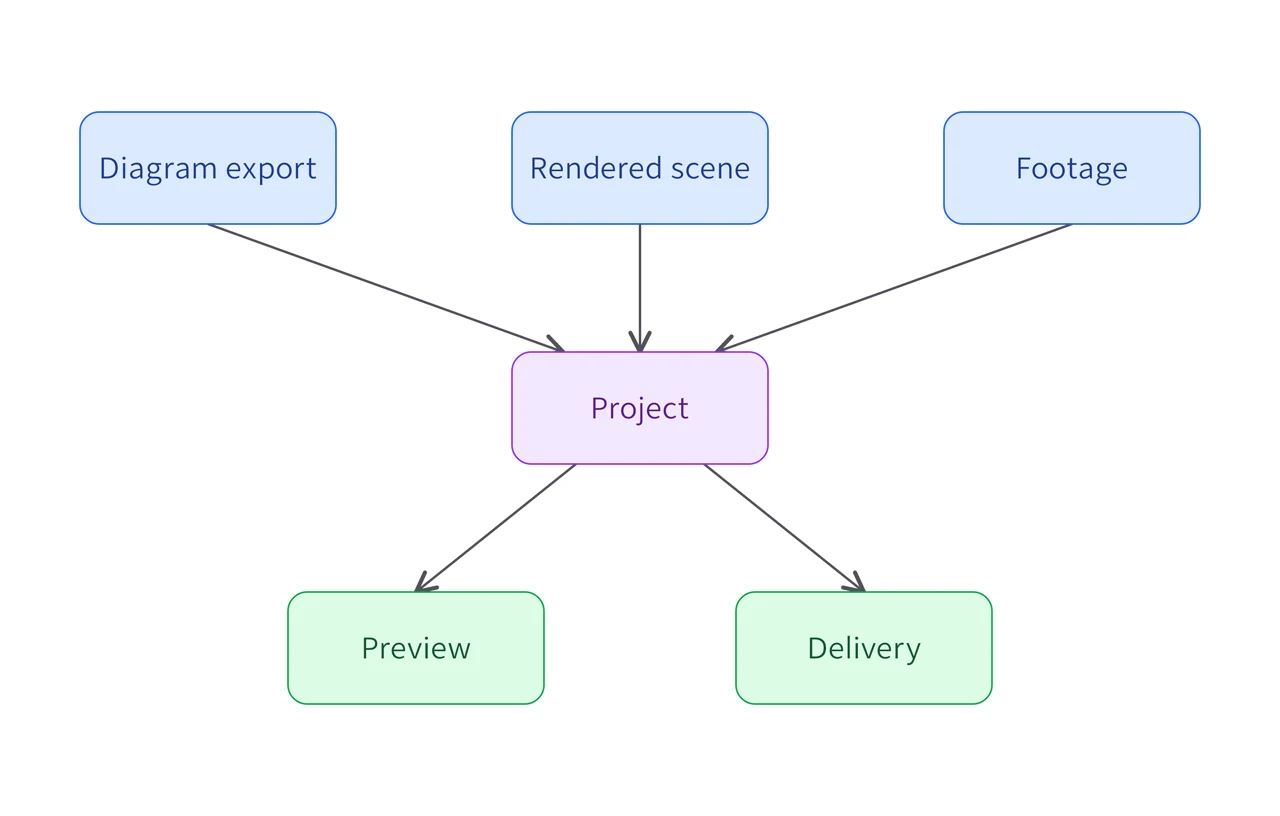
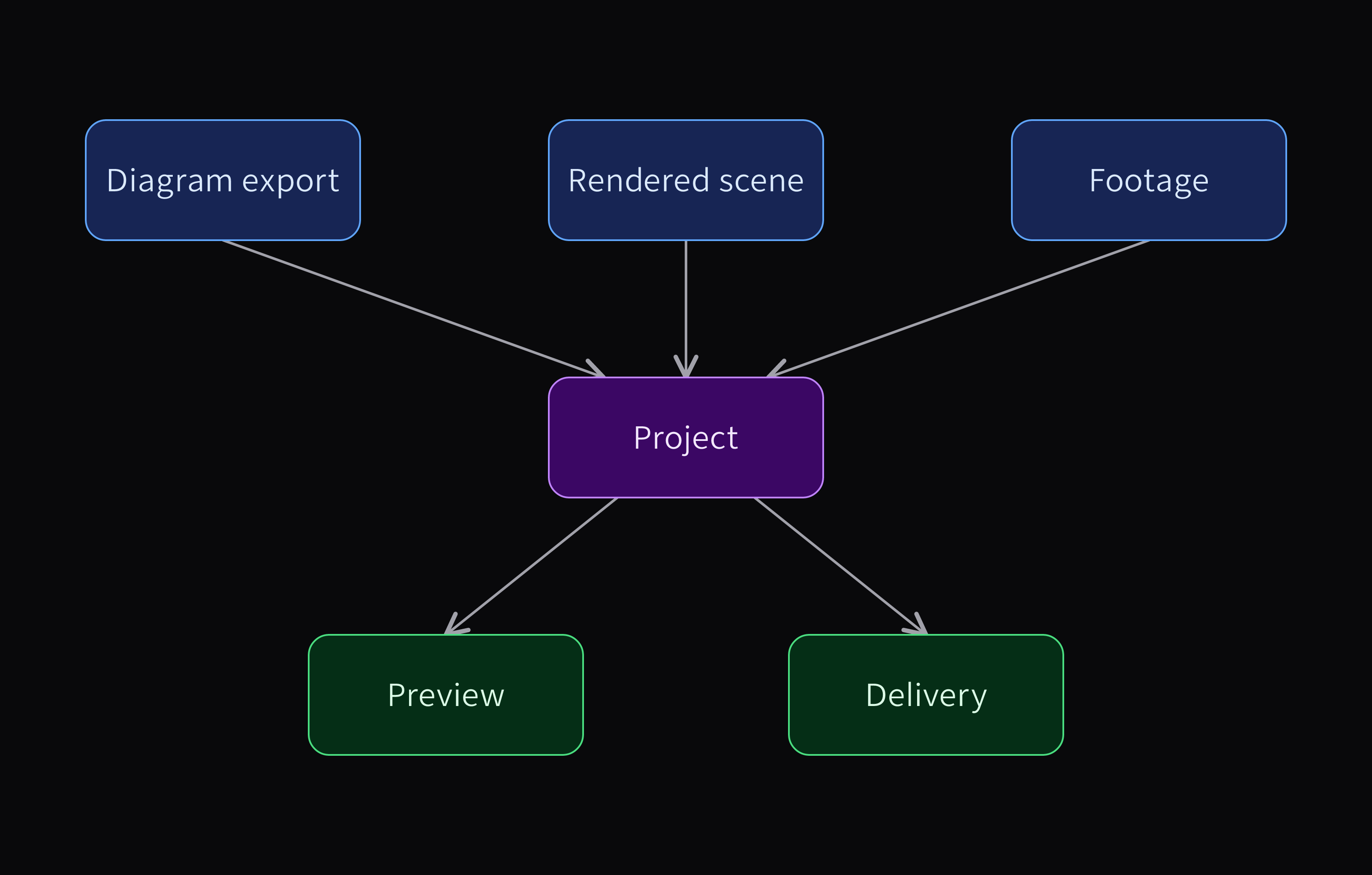
Positioned diagram
From source to deliveryThree visual inputs converge in an editable project, then branch into preview and delivery. The diagram itself stays editable.
Download this example
Requires: Slopcamera 3.2.8 or later and Bun. Local rendering; no model account.
Imperative
The imperative module calls slopcamera.diagram.check as check-source, then slopcamera.diagram.render as render-assets. It stops before rendering if lint findings exist. The actual result retained those two ordered step identities and the five output paths. Choose this form when ordinary trusted TypeScript control flow should decide which fixed operation runs next.
Declarative
The declarative module declares the render node after the check node, compiles the graph against the portable capability projection, and then executes it. Its result contains a compilation digest and two node receipts; each output digest matched its returned value in the retained run. The dependency orders the check before rendering; this example does not add the imperative module's conditional lint veto. For durable local media execution, use the complete host's Code Mode and run commands below.
MCP
The same helper opens an actual stdio MCP session, initializes it, calls check_diagram and render_diagram with root-relative paths, then closes and collects the server. Tool discovery describes the available projection; it does not expose every local-host command.
Current source also supports read-only scene inspection. Run its separate helper to discover tools and inspect the base stage used by the crescent pavilion:
bun examples/showcase/workflows/inspect-scene-mcp.ts
The retained inspection returned all six stage entities, their editable controls, and three cameras without changing the input. This is the lighting and backdrop stage before the pavilion geometry is compiled. The helper writes a fresh receipt directory and checks the server's clean exit. The scene-inspection tool ships in v3.3.1; this retained call ran through the repository source helper, not a separate release-install test; follow the MCP setup guide for the installed version's supported tools.
Run a built-in recipe
slopcamera workflows list --json
slopcamera workflows show social-variants --json
The built-ins cover talking-head cleanup (talking-head-cleanup), polished screen demos (polished-screen-demo), chaptered compositions (chaptered-demo), social variants (social-variants), creative iteration and selection (creative-iteration, creative-selection), prepared directed-scene delivery (directed-scene), and the cinematic planning loop over an inert recipe pack (cinematic-world). Their input schemas differ, so write input.json against the schema returned by show instead of reusing another recipe's JSON. Use an inspected project ID and the requested output choices, then plan and run that same input:
slopcamera workflows plan social-variants --input input.json --json
slopcamera workflows run social-variants --input input.json --json
Planning binds the relevant structure and policy without executing registered media effects. Execution can still pause when a particular node needs an exact preparation or effect approval, which is what the runs commands below are for.
Author a trusted Bun module
Custom local workflows are explicitly imported TypeScript modules over the same fixed registry. They need the source-backed Bun distribution — the installed package or a checkout — because a copied standalone executable does not provide the local Code Mode build-identity scan.
slopcamera code init film.ts
slopcamera code check film.ts --json
slopcamera code plan film.ts --input input.json --json
slopcamera code run film.ts --input input.json --plan <returned-plan-sha256> --json
Author through @hraness/slopcamera/local/code and discover operation schemas with slopcamera operations list --json rather than inventing names or policy fields. The checked examples render-workflow.ts, declarative-workflow.ts, and native-workflow.ts show the imperative, declarative, and studio-bound forms. Extend SlopCamera explains how these surfaces fit together.
Loading a module evaluates its top-level code as the current user, including during check and plan. That evaluation is not an operating-system sandbox, so review the source before invoking it. The graph itself is declarative, and building it must not execute the registered operations. Passing --plan to code run rejects a changed source, input, structural binding, registry, or runtime.
Inspect and authorize a paused run
slopcamera runs list --json
slopcamera runs show <run-id> --nodes all --json
A paused node reports the exact node key and plan digest it needs. The two approval forms authorize different boundaries, so choose the form that node requested:
slopcamera runs approve <run-id> <node-key> --preparation-plan <sha256> --json
slopcamera runs approve <run-id> <node-key> --node-plan <sha256> --json
Approval records authority and releases the claim; it does not execute the node. Resume the original run afterward:
slopcamera runs resume <run-id> --json
A node that runs native studio source additionally needs an invocation-scoped runtime selection and trusted-code authorization: pass --studio-blender-bin <executable> or --studio-python <venv-python> together with --allow-trusted-code on code run, workflows run, or runs resume. Selecting a runtime or holding a generic write grant does not authorize native source. Render Blender, CadQuery, and Manim films from source describes what that execution does.
Resume
The retained social-variants execution paused four times before nodes received their requested preparation authorization. Its final journal contains 117 ordered events: all 13 nodes have one running event and one completed event, each at attempt one. The 26 later reuse events refer to the same retained output digests, and no completed node was dispatched again. The four final output files and their receipts still match their recorded byte lengths and hashes.
That demonstrates reuse through these local preparation pauses. It does not demonstrate recovery from a process crash or an uncertain paid request. The original films were withheld after visual review; successful execution alone did not make them suitable examples. The separately authored delivery variants show the reviewed compositions.
Recover without duplicating work
Keep the original run ID, source, and receipts. A normal resume reuses matching retained outcomes; it does not replay ambiguous trusted compute or issue a new uncertain paid request. Pass --replay-ambiguous-code <node-key> on resume only after inspecting the exact ambiguity and deliberately authorizing that node's next attempt.
If a paid node used a provider-options file, supply the same digest-matching file on resume. Its raw values are never stored in the journal and cannot be recovered from it, so do not substitute changed settings while claiming the old plan.
To stop new work:
slopcamera runs cancel <run-id> --json
Cancellation is durable and prevents new dispatch or publication, but it does not roll back artifacts already published. Inspect the retained result and any unresolved custody before starting a replacement run. Studio reconciliation, directing resume, and Blob cleanup each have their own narrower commands described in Render Blender, CadQuery, and Manim films from source and Direct short generated clips; none is a universal retry mechanism.