
Images and pixel art
Generate images with your own provider key, compare candidates, and build transparent pixel backgrounds from the selected artwork.
Generate an imageMake images, animation, 3D scenes, and video with your coding agent. Direct the details. Keep the source.
macOS, Linux, and Windows
bun add --global https://github.com/hraness/slopcamera/releases/download/v3.10.3/hraness-slopcamera-3.10.3.tgz“Draw the workflow. Build the scene.
Make a vertical version.”
What SlopCamera makes
SlopCamera keeps images, diagrams, 3D scenes, edits, and exports in one local project. Every render keeps the source your agent wrote, so the next change is an edit to that source.
Generate images with your own provider key, compare candidates, and build transparent pixel backgrounds from the selected artwork.
Generate an imageBuild positioned diagrams and visual explanations with a retained source, theme, and deterministic export.
Draw a diagramCompose Three.js, Blender, CadQuery, and Manim scenes with a camera that can be revised from the same brief.
Render a Blender sceneCut footage, add captions and overlays, grade the result, then frame landscape, vertical, square, or portrait exports.
Edit a videoEach technique links to its source and the guide that produced it. Open one to make your own version.
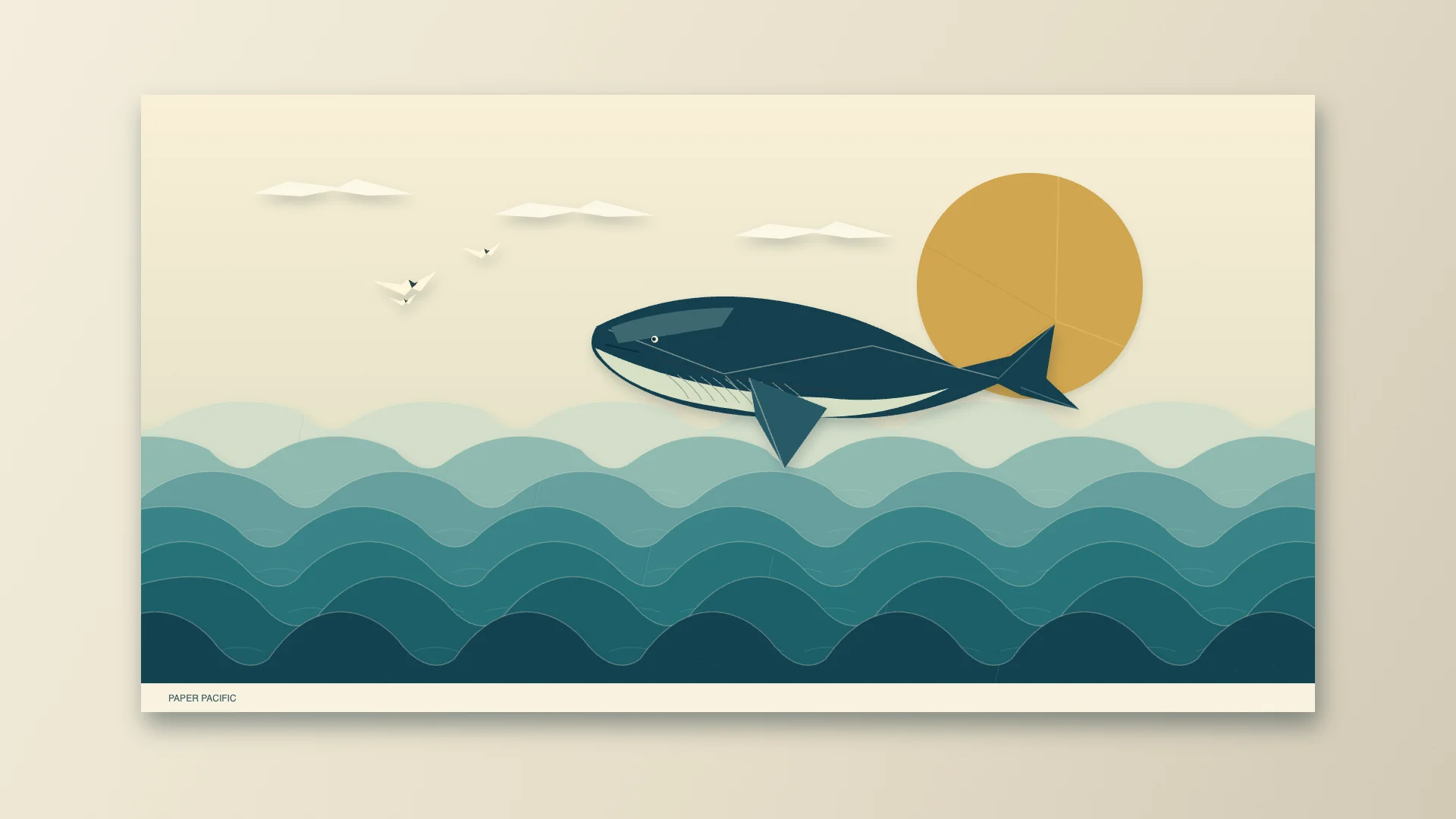
HTML timeline
An ocean folded from paperAn envelope opens into layered waves. A paper whale breaches; the ocean settles into a finished illustrated poster.
Requires: Source checkout; Bun; macOS with a qualified Slopcamera local HTML runtime and FFmpeg. Original score uses Python 3 with NumPy. No paid model is needed.
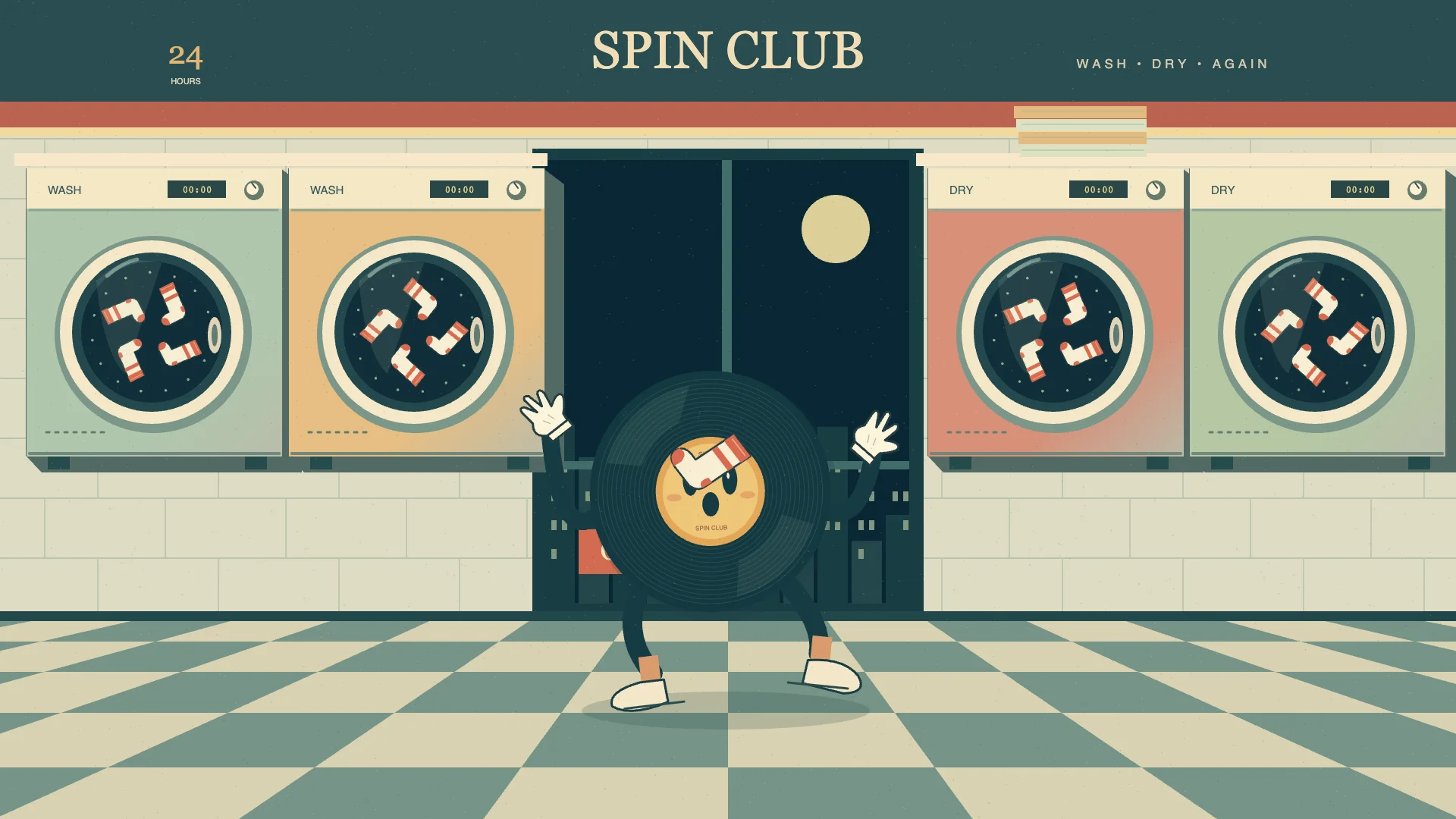
HTML timeline
The laundromat after midnightA record-shaped dancer brings a midnight laundromat to life, with spinning machines, wayward socks and an original twelve-second score.
Requires: Source checkout; Bun; macOS with a qualified Slopcamera local HTML runtime and FFmpeg. Original score uses Python 3 with NumPy. No paid model is needed.
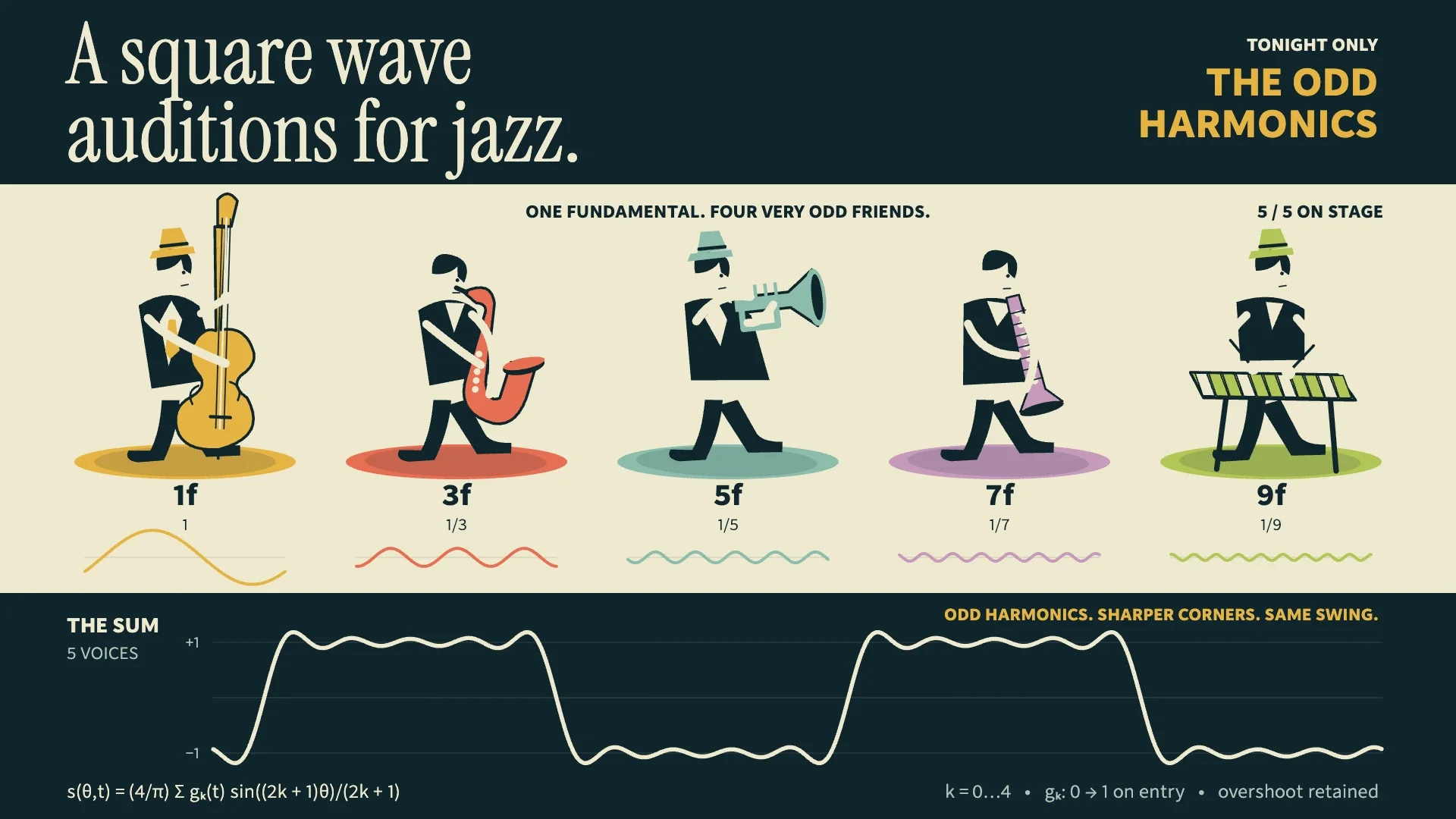
HTML timeline
A square wave auditions for jazzFive odd harmonics find their swing. Watch and hear their actual Fourier sum approach a square wave in an illustrated jazz miniature.
Requires: Source checkout; Bun; macOS with a qualified Slopcamera local HTML runtime and FFmpeg. Original score uses Python 3 with NumPy. No paid model is needed.
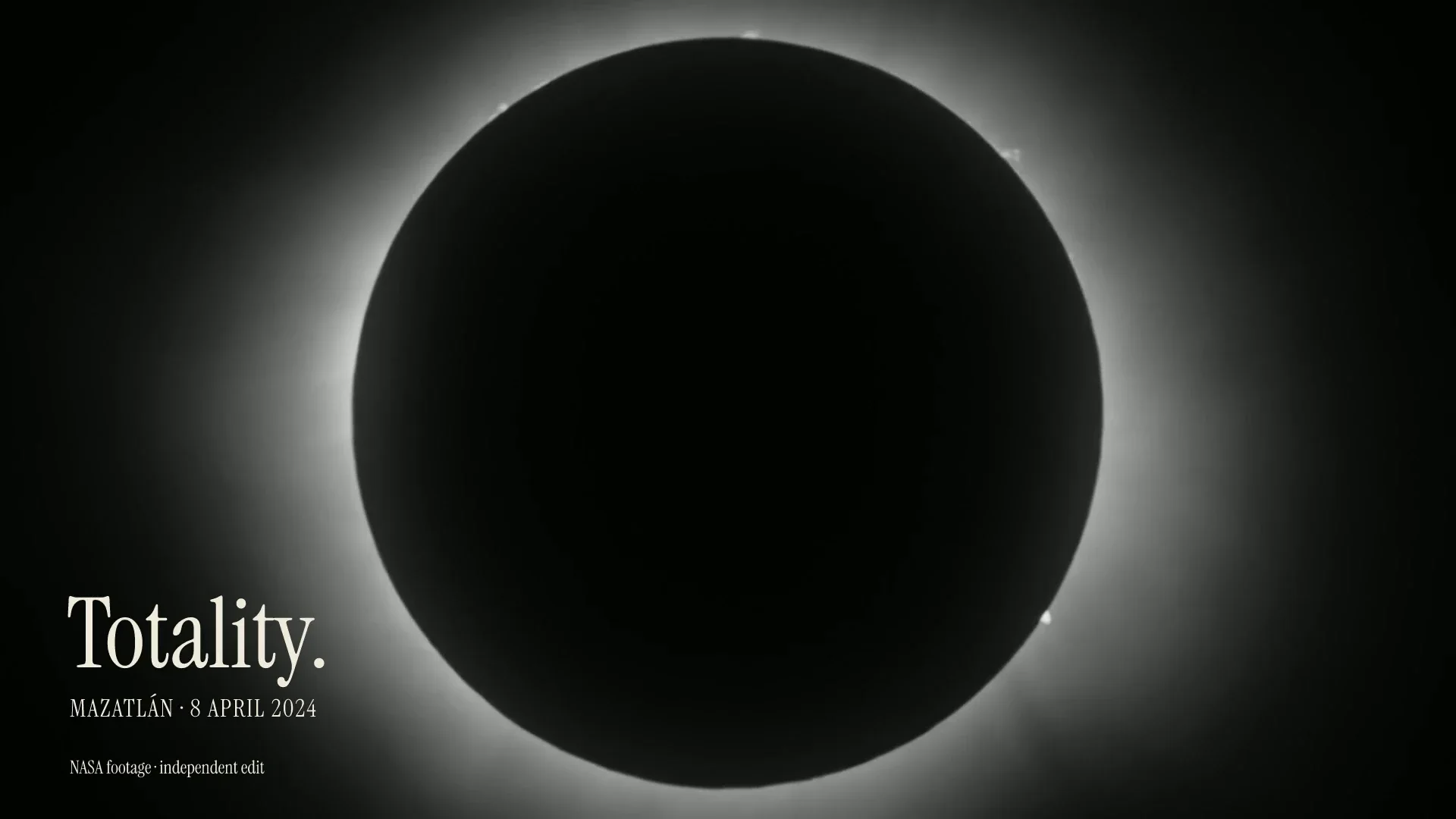
Color grade
One shoot, three storiesNASA eclipse footage becomes a quiet monochrome film with a precise title, a restrained score and a held ending. Compare its vertical and narrated cuts in the guide.
Requires: Source checkout; Bun and FFmpeg on macOS or Linux; the credited NASA input. Supply a short recording for narration or generate one with a paid provider.
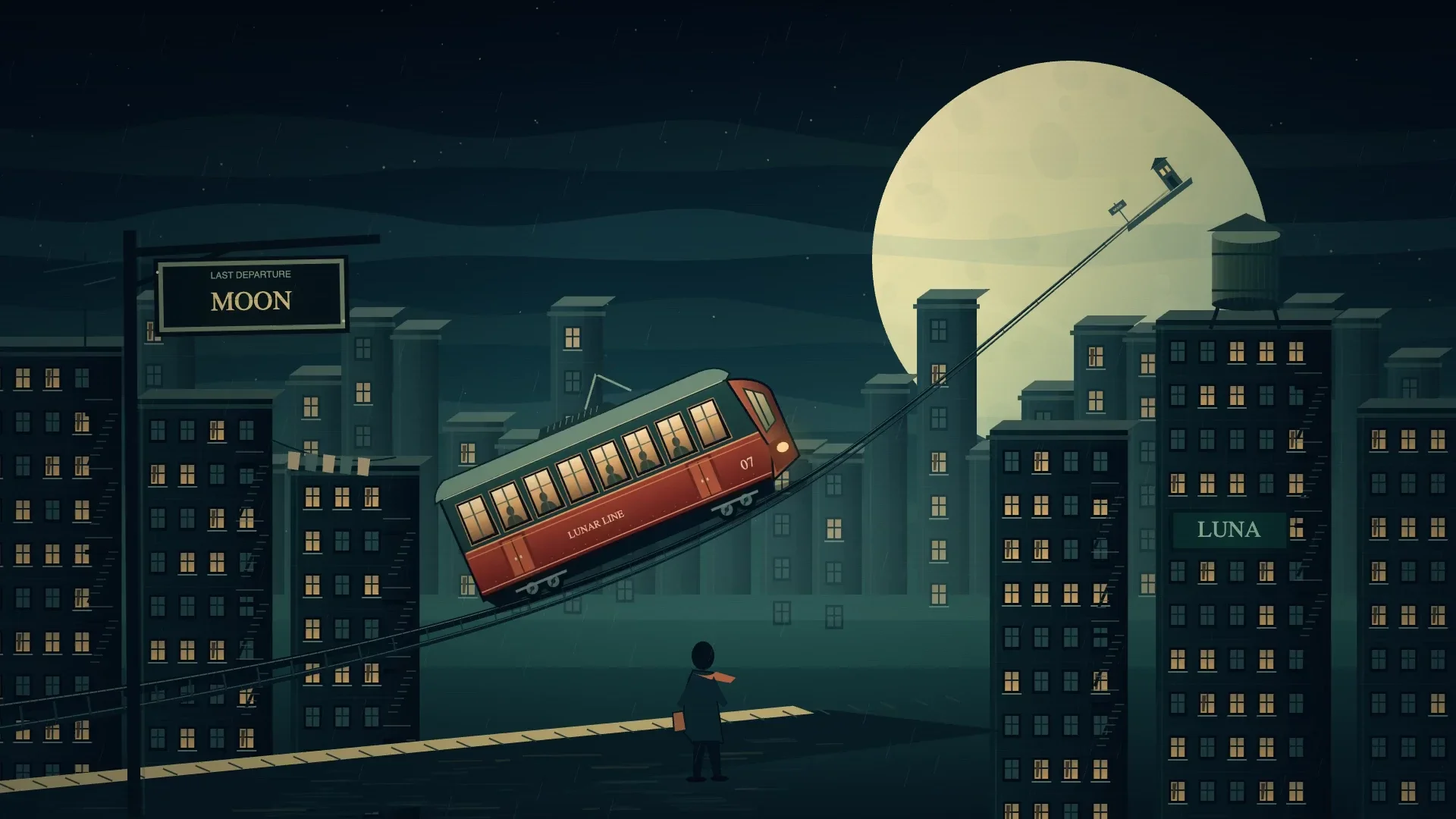
The same miniature world, with a larger moon. Ask for a specific change; your agent edits the retained source and renders another version.
“Make the moon larger.”
HTML timeline
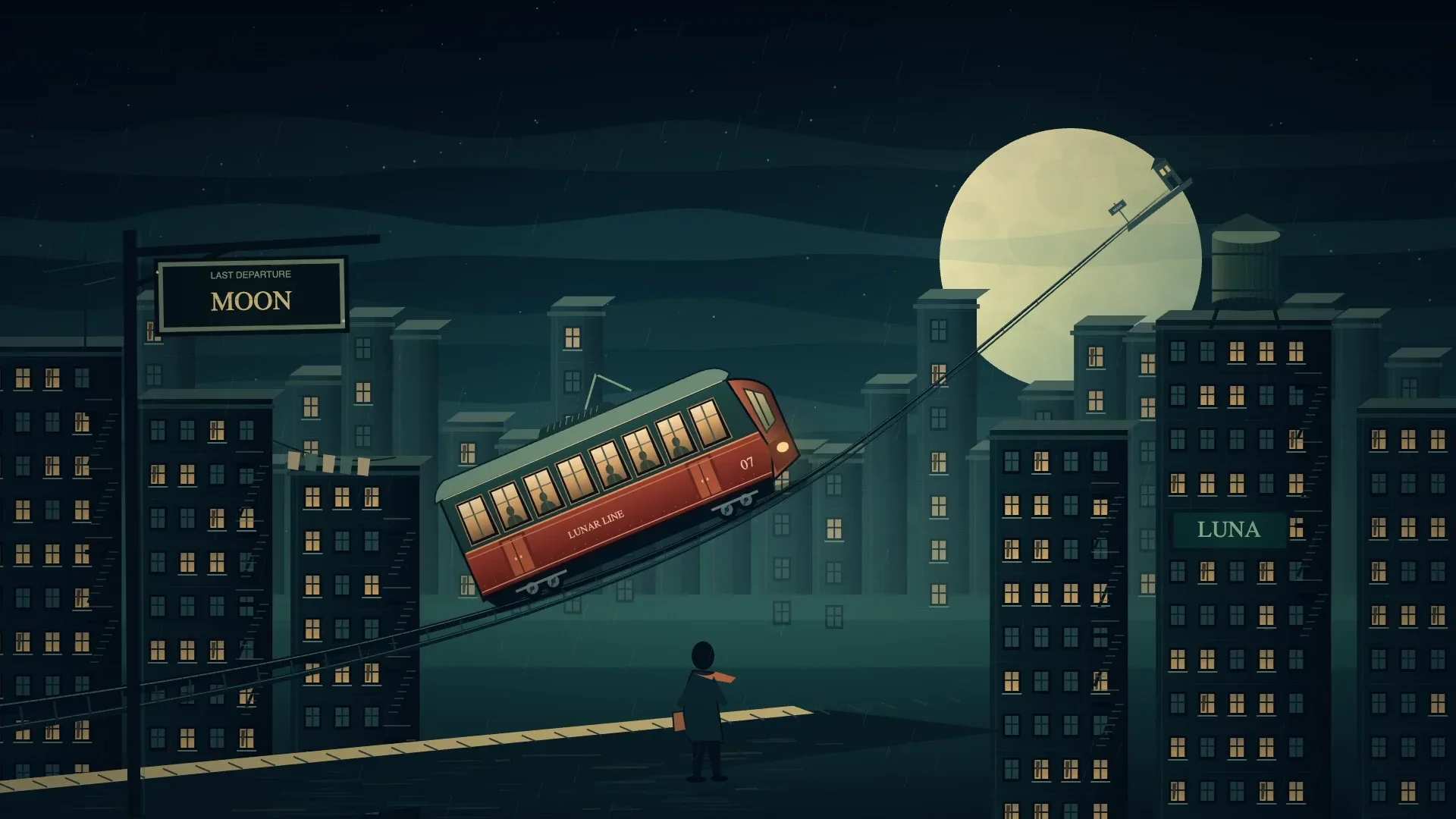
Last tram to the moonA copper tram changes its destination from CITY to MOON, then follows a rising track out of a rainy midnight city.
Requires: Source checkout; Bun; macOS with a qualified Slopcamera local HTML runtime and FFmpeg. Original score uses Python 3 with NumPy. No paid model is needed.
HTML timeline
Last tram, a larger moonThe same journey, palette and timing, with a larger moon that changes the composition. A real rendered revision of the same editable scene.
Requires: Source checkout; Bun; macOS with a qualified Slopcamera local HTML runtime and FFmpeg. Original score uses Python 3 with NumPy. No paid model is needed.
Both renders keep their own source. Learn to direct a film.
Describe a scene. Pick a direction. Ask for a change. Your agent writes the source and keeps it ready for the next version.
Send a midnight tram toward the moon, then change the scene.
Make your first animationCompose a scene, place the camera, and give the light a job.
Make your first Blender sceneFind the cut, add graphics and sound, and frame each delivery.
Edit your first videoWorking on a still? Make an image or draw a diagram. Explore every technique when you are ready.
Install the CLI. Then install its matching Agent Skill. Needs Bun 1.3.14 or newer on macOS, Linux, or Windows. Release v3.10.3.
Add the Agent Skill
slopcamera skill install --target agents
For Claude Code: slopcamera skill install --target claude
Start a new agent session to load the Agent Skill. Blender, CadQuery, and Manim install separately.
For source-only capabilities or development, follow the complete source-install guide. It records the commit, installs locked dependencies, builds the SDK and CLI, and installs the guide from that same checkout. Native engines install separately.
SlopCamera keeps editable source beside each render. Original recordings and imported media stay unchanged. There is no SlopCamera account or hosted project database.
Start with the Agent Skill for Codex or Claude Code. Use the CLI, TypeScript SDK, or fixed MCP toolset in your own workflows. MCP does not expose every CLI command.
Local renders use the tools on your machine. Model generation uses your Vercel AI Gateway account, or prepaid Hraness Credits for hosted image generation. Media uploads require acknowledgement.
Native engines install separately. Native Python jobs require --allow-trusted-code; they and custom Bun workflows run as your current user, without an operating-system sandbox. Review their source first. Read the security policy, privacy guide, and platform requirements.
Remotion renders React to video; HyperFrames renders HTML. SlopCamera combines HTML motion, diagrams, 3D and native scenes, and edits of your own footage in a local project. Compare their workflows and licensing, or read SlopCamera vs Remotion and SlopCamera vs HyperFrames.
No. Describe the result to your coding agent; it writes the source and runs the commands.
No. SlopCamera has no account or subscription. Generation uses your own Vercel AI Gateway account, or prepaid Hraness Credits for hosted image generation.
SlopCamera is free; editing, diagrams, vectorization, and exports run locally. Model usage is billed to your Vercel AI Gateway account, or to prepaid Hraness Credits for hosted image generation.
Use Bun 1.3.14+ on macOS, Linux, or Windows. A few features are narrower: vectorization, local audio and color effects, and the native engines (Blender, CadQuery, and Manim) run on macOS and Linux. Native HTML rendering, GPU scene profiles, and face analysis need macOS. Import existing recordings; SlopCamera does not record your screen or camera. Run slopcamera doctor to check local tools and see the platform requirements.
Edits leave original recordings and imported media unchanged. Diagram renders replace only their named derived outputs.
Editing and rendering stay local. Gateway generation and selected cloud analysis upload named media only after acknowledgement. Native Python and custom Bun workflows run with current-user access, including possible network access.
Use Codex, Claude Code, or an agent that reads ~/.agents/skills. Run slopcamera skill install for Codex, add --target claude for Claude Code, or --target agents for other agents.
Yes. Atet was renamed SlopCamera in September 2026, and atet.sh now redirects here. Old Atet releases still install Atet, not SlopCamera.
Install the CLI and its Agent Skill, then ask your agent for an image, a diagram, a 3D scene, or an edit.